How Small Businesses Can Track Sales and Generate GST Reports Automatically
Compare GST sales tracking and reporting software for Indian small businesses, including billing, inventory, GSTR reports, reconciliation and selection tips.
Aslisite Team
Digital Experts
Table of Contents
Sales tracking versus GST reporting
What sales and billing data is needed for GST reporting?
Essential software features
GST-ready invoicing
Sales and payment tracking
Inventory connection
GST return reports and reconciliation
Audit trail, permissions and backups
GST reports and records to verify
How GST billing, inventory and accounting connect
Current software options for Indian small businesses
Selection checklist for Indian businesses
When is simple billing software enough?
Common implementation mistakes
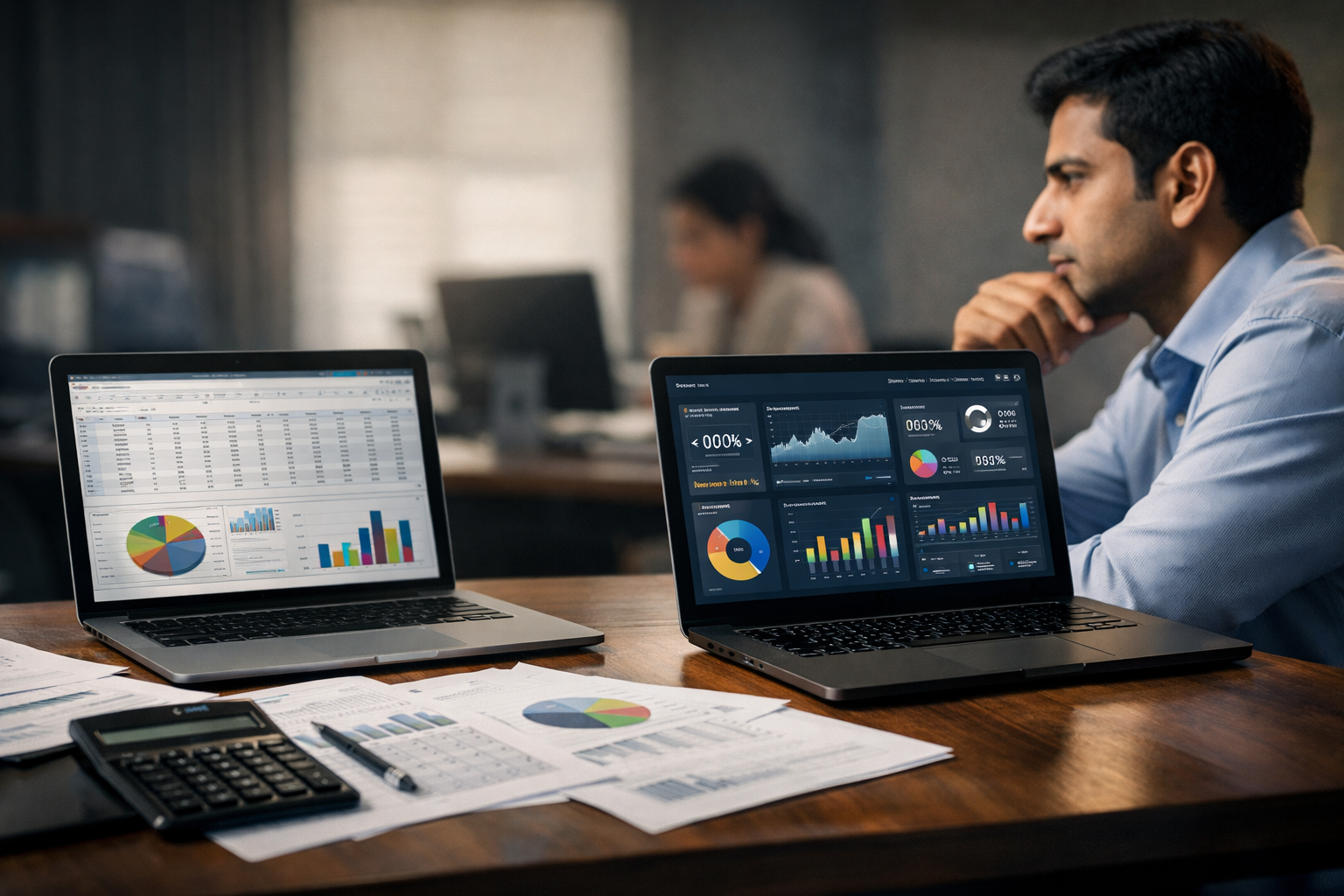
For many Indian small businesses, sales are recorded in one place, stock in another, payments in a notebook and GST data is sent to a CA at the end of the period. This creates duplicate work and makes it difficult to identify missing invoices, incorrect tax rates, unpaid bills or stock differences.
GST sales tracking and reporting software for small businesses in India brings these activities into one connected workflow. When a sale is entered, the software can update inventory, calculate GST, record the customer balance, create an invoice and prepare data for GST reports.
The important qualification is that software does not remove the need for review. It automates calculations and reporting from the data entered, but the business owner or tax professional must still verify classifications, amendments, input tax credit and filing details before submission.
Sales tracking versus GST reporting
Sales tracking answers operational questions: What did we sell today? Which products are moving fastest? How much money is pending from customers? Which branch or salesperson generated the most revenue?
GST reporting answers compliance questions: Which outward supplies were taxable? Which invoices were issued to registered customers? What were the applicable CGST, SGST or IGST amounts? Which credit notes, exports, advances or exempt supplies must be reported?
These are related but different functions. A basic sales tracker may show revenue and payment status without maintaining the tax information needed for GST. Similarly, a GST report may contain invoice data without giving the owner useful stock, margin or receivables information.
The best system connects both. A retail sale should reduce stock and increase sales; a credit sale should create a customer receivable; a tax invoice should record taxable value and tax components; and a return should reverse the relevant stock, sales and tax entries.
What sales and billing data is needed for GST reporting?
Accurate reports depend on complete transaction data. Before choosing software, confirm that it can capture and export the information your business actually uses.
- Invoice identity: invoice number, invoice date, document type and a controlled numbering sequence.
- Supplier and customer details: legal name, address, GSTIN where applicable and customer type, such as registered, unregistered, export or composition taxpayer.
- Supply details: product or service description, quantity, unit, taxable value, discount, HSN or SAC code and tax rate.
- Tax treatment: CGST and SGST for eligible intra-State supplies, IGST for eligible inter-State supplies, cess where applicable and reverse-charge indicators.
- Place of supply: especially important for businesses selling across State borders or supplying services.
- Adjustments: credit notes, debit notes, sales returns, purchase returns, cancellations and amendments linked to the original document.
- Logistics information: delivery challans, transport details, e-way bill references and e-invoice information when applicable.
- Payment information: cash, bank transfer, UPI, card, credit terms, payment date and outstanding balance.
For the statutory structure, the GST Portal guide to GSTR-1 lists invoice-level outward supplies, credit and debit notes, exports, advances, amendments, exempt or nil-rated supplies and HSN/SAC summaries among the information that may need to be reported.
Essential software features
GST-ready invoicing
The software should calculate taxes based on the item, customer, transaction type and place of supply. It should support GSTIN validation or at least provide fields for GSTIN, HSN/SAC codes, tax rates, taxable value and tax breakup.
Check whether invoices can be issued for goods and services, whether tax-inclusive and tax-exclusive pricing are supported, and whether credit notes, debit notes, delivery challans and sales returns are linked correctly to the original transaction.
Sales and payment tracking
Look for daily sales summaries, invoice-wise sales, customer-wise sales, product-wise sales, payment status, receivables ageing and salesperson or branch reports. These reports are useful even when the business is not filing GST every month.
Inventory connection
For retailers, distributors and manufacturers, billing without inventory integration creates another source of errors. A sale should reduce stock automatically, while a purchase should increase stock. The system should also support stock adjustments, transfers, returns, low-stock alerts and, where relevant, batch, expiry or serial-number tracking.
A connected inventory and billing workflow helps the owner compare quantities sold with quantities purchased and identify damaged, missing or slow-moving stock.
GST return reports and reconciliation
At minimum, ask whether the software can prepare data for GSTR-1 and GSTR-3B in the format required by the GST Portal. More advanced systems may support direct filing, JSON or spreadsheet exports, e-invoice imports and reconciliation with purchase data.
GSTR-3B is a summary return used to declare GST liabilities and discharge those liabilities. The official GSTR-3B guide makes clear that the form is self-declared in summary form, so a generated report still needs review before filing.
Audit trail, permissions and backups
Choose software that records who created, edited, cancelled or deleted a transaction. User permissions should restrict staff from changing tax settings, backdating invoices or modifying master data without approval.
Backups are equally important. Under GST record rules, electronic records must be capable of being restored and businesses may need to produce records, supporting documents and audit-trail information when required. The CBIC accounts and records rules also describe requirements relating to electronic records, stock accounts, invoices and edited or deleted entries.
GST reports and records to verify
A software dashboard may show dozens of reports, but these are the reports a small business should review regularly:
- Sales register: Check invoice numbers, dates, customers, taxable values and tax components.
- GSTR-1 or outward-supply report: Review B2B invoices, applicable B2C summaries, exports, advances, credit notes, debit notes and HSN/SAC totals.
- GSTR-3B summary: Compare outward tax liability, reverse-charge items, eligible input tax credit and net tax payable with the books.
- GSTR-2B reconciliation: Compare supplier invoices appearing in the GST Portal with purchase records before claiming input tax credit. The GST Portal guidance on GSTR-2B states that the statement should be used to help take the correct input tax credit in GSTR-3B.
- Tax liability report: Separate CGST, SGST, IGST, cess, reverse-charge liability and input tax credit.
- Credit and debit note report: Verify that every adjustment is linked to the correct invoice and tax period.
- HSN/SAC summary: Confirm that codes and tax rates match the products or services actually supplied.
- Sales and purchase registers: Compare taxable turnover, purchases, expenses and inventory movement with bank and physical records.
- Exception report: Look for missing GSTINs, duplicate invoice numbers, negative stock, unusual tax rates, cancelled invoices and transactions without place-of-supply details.
Businesses should also preserve invoices, bills of supply, delivery challans, credit notes, debit notes, payment records and supporting purchase documents. The general GST retention rule is commonly described as 72 months from the due date of the relevant annual return, although specific cases can require longer preservation. Confirm the applicable period with your CA and current law before deleting older records.
How GST billing, inventory and accounting connect
Billing software focuses on issuing invoices. Accounting software adds ledgers, expenses, receivables, payables, bank reconciliation and financial statements. Inventory software tracks quantities, locations, batches and stock valuation. A connected platform combines these layers so that one transaction updates the related records.
For example, a distributor sells 20 units to a GST-registered customer in another State:
- The salesperson selects the customer and item from the master records.
- The software applies the configured HSN or SAC code, price, discount, place of supply and IGST rate.
- The invoice is generated with the relevant GST fields and the customer receivable is created.
- Inventory decreases by 20 units in the selected warehouse or branch.
- The transaction appears in the sales register and outward-supply report.
- If the business is covered by e-invoicing rules, the invoice is sent through an integrated Invoice Registration Portal workflow and the IRN or QR information is recorded.
- At period end, the owner reviews the GST reports, reconciles purchase credit with GSTR-2B and shares the final data with the CA or files through the approved workflow.
As of September 13, 2026, the official Invoice Registration Portal guidance states that e-invoicing applies to taxpayers with aggregate annual turnover of Rs. 5 crore or more in any financial year from 2017-18 onwards, subject to notified exemptions and conditions. Businesses should check their GSTIN status and the latest government guidance rather than relying only on a software sales page. The official e-invoice mandate page provides the current applicability framework.
Current software options for Indian small businesses
There is no single best product for every business. The right choice depends on transaction volume, inventory complexity, accountant preference, number of users and the need for cloud access.
- Zoho Books: A strong fit for service businesses, startups and growing companies that want cloud accounting, GST reports, inventory, banking, automation and financial statements in one system. Its official India product page describes GST invoicing, HSN/SAC support, e-way bills, e-invoicing, audit trail and business reporting. Visit Zoho Books GST accounting software to verify current plans and features.
- TallyPrime: Suitable for businesses that prefer established desktop accounting, detailed ledgers, inventory controls and a workflow familiar to many Indian accountants. Tally’s official GST billing page describes GST invoicing, daily and periodic billing reports and GSTR-1 upload support. Confirm the edition, connected services and filing workflow before purchase.
- BUSY: Often worth evaluating for distributors, retailers and businesses with multiple godowns, pricing rules, stock controls and detailed GST or MIS reporting. Its official site lists inventory, GST reports, e-way bills, e-invoicing, reconciliation and user activity controls, with capabilities varying by edition.
- Vyapar or myBillBook: These can suit micro-businesses and mobile-first retailers that mainly need quick invoicing, payment tracking, basic inventory and GST summaries. Before relying on either for a complex accounting workflow, test its export, reconciliation, backup, user-access and CA handoff features.
For a broader comparison of GST accounting software options, compare the actual workflow rather than choosing only by brand popularity or the lowest subscription price.
Selection checklist for Indian businesses
- Does it support your GST registration structure, including multiple GSTINs if required?
- Can it calculate CGST, SGST and IGST based on the transaction and place of supply?
- Does it support HSN/SAC, tax-inclusive pricing, discounts, returns, credit notes and debit notes?
- Can it generate GSTR-1 and GSTR-3B data in a format your CA accepts?
- Does it support GSTR-2B purchase reconciliation or provide a reliable export for that process?
- Can it create e-way bills and e-invoices if your business becomes liable?
- Does billing update inventory, customer balances and accounting ledgers automatically?
- Can you restrict user access and review an audit trail?
- Are backups automatic, downloadable and restorable?
- Can you export your data if you change software?
- Does it work with your current printer, barcode scanner, POS, bank, e-commerce channels or payment systems?
- Can your accountant access reports without depending on one employee’s computer?
When is simple billing software enough?
Simple billing software may be enough when the business has one location, a small product catalogue, low transaction volume, limited credit sales and no complicated purchase or production process. A shop that mainly needs GST invoices, payment reminders, stock counts and monthly exports may not need a full accounting suite.
Move towards accounting software when you need bank reconciliation, profit and loss statements, payable tracking, multiple branches, stock valuation, purchase workflows, salesperson controls, recurring invoices, project accounting or detailed audit support. The more systems you currently maintain in spreadsheets, the more valuable an integrated platform becomes.
Common implementation mistakes
- Incorrect masters: Wrong HSN/SAC codes, tax rates, units or place-of-supply settings will produce incorrect reports repeatedly.
- Backdated bulk entry: Entering several weeks of sales at once makes invoice sequencing, stock movement and payment matching harder to verify.
- Ignoring purchases: Recording sales but not entering supplier invoices prevents meaningful stock control and ITC reconciliation.
- Editing instead of correcting: Changing a filed or reviewed invoice without a controlled credit-note or amendment process can break the audit trail.
- Assuming automatic means final: Generated reports should be checked against the GST Portal, bank records, physical stock and supporting documents.
- No migration plan: Before switching tools, export invoices, ledgers, customer balances, item masters, stock quantities and tax history.
- Skipping staff training: A technically capable tool will still fail if employees use the wrong customer, item, tax rate or payment mode.
The practical goal is not merely to produce a GST report. It is to create a reliable chain from sale to invoice, invoice to stock and ledger, and ledger to reviewed GST return data. For many Indian small businesses, that connected workflow is the clearest way to reduce manual entry while improving visibility over sales, cash flow, inventory and tax obligations.
Ready to scale your digital presence?
Join businesses growing with Aslisite. Let's discuss your project today.